
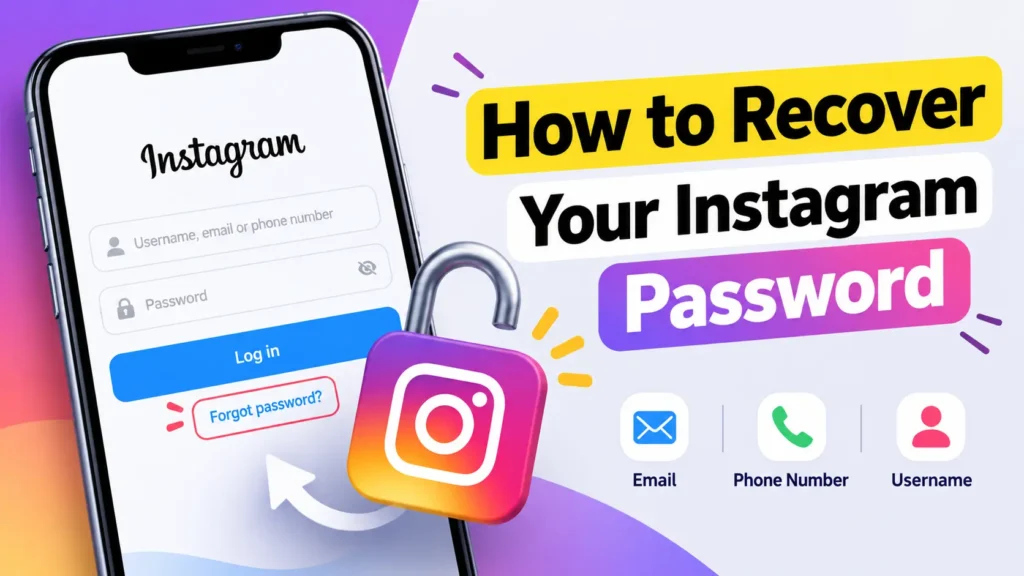
Forgot your Instagram password and can’t log in to your account? Don’t worry. Instagram provides several ways to recover your account and create a new password.
You can reset your Instagram password using your email address, phone number, or username. If you no longer have access to your email or phone, Instagram also provides account recovery options that may help you regain access.
In this guide, we’ll show you how to recover your Instagram password step by step.
How to Recover Your Instagram Password
The easiest way to recover your Instagram password is by using the Forgot password? option on the Instagram login screen.
- Open the Instagram app on your phone.
- On the login screen, tap Forgot password?
- Enter your Instagram username, email address, or phone number.
- Tap Continue.
- Instagram will show available recovery options.
- Choose to receive a login link or security code by email or SMS.
- Open the link or enter the code you receive.
- Follow the instructions to create a new password.
Once your new password is saved, you can use it to log in to your Instagram account.
Enter Username
Recover Instagram Password Using Your Email
If you still have access to the email address connected to your Instagram account, recovering your password is usually easy.
Open Instagram and select Forgot password? from the login screen. Enter your Instagram username or email address and continue. Instagram will send a password reset link to your registered email address. Open the email and follow the instructions to reset your password.
If you don’t see the email, check your Spam, Junk, or Promotions folder. Also make sure that you entered the correct email address.
Recover Instagram Password Using Your Phone Number
You can also recover your Instagram account using the phone number linked to it.
On the Instagram login screen, tap Forgot password? and enter your phone number. Instagram may send a text message containing a login link or security code.
Follow the instructions in the message to access your account and set a new password.
This method only works if you still have access to the phone number associated with your Instagram account.
What If You Forgot Your Instagram Username?
You don’t necessarily need to remember your username to recover your account.
Try entering the email address or phone number connected to your Instagram account on the password recovery screen.
You can also ask a friend to open your Instagram profile and tell you the username shown on your profile.
Once you know the username, you can use it during the account recovery process.
How to Recover Instagram Account Without Email or Phone Number
Things can be more difficult if you don’t have access to the email address or phone number connected to your Instagram account.
Start the recovery process from the Instagram login screen. Enter your username and look for options such as Can’t reset your password?, Try another way, or other recovery options that Instagram may display.
Instagram may ask you to provide additional information to verify that you own the account.
The available recovery options can vary depending on your account and security settings. Follow the instructions shown by Instagram carefully.
If you previously enabled two-factor authentication or added other security methods, Instagram may also use those methods to verify your identity.
How to Recover a Hacked Instagram Account
If you believe someone changed your Instagram password without your permission, use Instagram’s account recovery options as soon as possible.
Start from the Instagram login screen and select Forgot password?. Enter your username, email, or phone number and follow the recovery instructions.
If your email address was also changed, check your old email inbox for a message from Instagram about the email address change. Instagram may provide an option to reverse an unauthorized change.
Avoid using third-party websites or apps that claim they can recover your Instagram password. They may ask for your login details and could put your account at risk.
How to Create a Strong Instagram Password
After recovering your account, create a strong and unique password.
A good Instagram password should:
- Be different from passwords you use on other websites.
- Be difficult for other people to guess.
- Avoid using your name, birthday, or phone number.
- Include a combination of letters, numbers, and special characters.
- Be long enough to provide better security.
You should also enable two-factor authentication (2FA) from Instagram’s security settings. This adds another layer of protection to your account.
What to Do If the Password Reset Link Doesn’t Work
Sometimes a password reset link may not work or may have expired.
If this happens, return to Instagram’s login screen and request a new password reset link. Make sure you use the latest link Instagram sends you.
If you requested several links, always try the newest one.
You should also make sure that you’re using the official Instagram app or website when entering your login information.
Frequently Asked Questions
Can I recover my Instagram password without knowing my old password?
Yes. You don’t need to know your old password to reset it. You can use Instagram’s password recovery process to create a new password.
Can I recover my Instagram password with my username?
Yes. Your Instagram username can be used to start the account recovery process. Instagram may then provide available recovery options for your account.
Why am I not receiving the Instagram password reset email?
Check your Spam or Junk folder and make sure you entered the correct email address. You can also try requesting another reset link.
Can I see my old Instagram password?
Instagram does not normally show you your existing password. If you forgot it, the safest option is to reset it and create a new password.
Final Words
Forgetting your Instagram password is frustrating, but you can usually regain access through Instagram’s built-in recovery options. Start by using your username, email address, or phone number on the login screen and follow the instructions provided by Instagram.
After recovering your account, create a strong, unique password and enable two-factor authentication to help protect your account from unauthorized access.